
ZATCA Invoicing Software in Saudi Arabia: Moving Off Excel
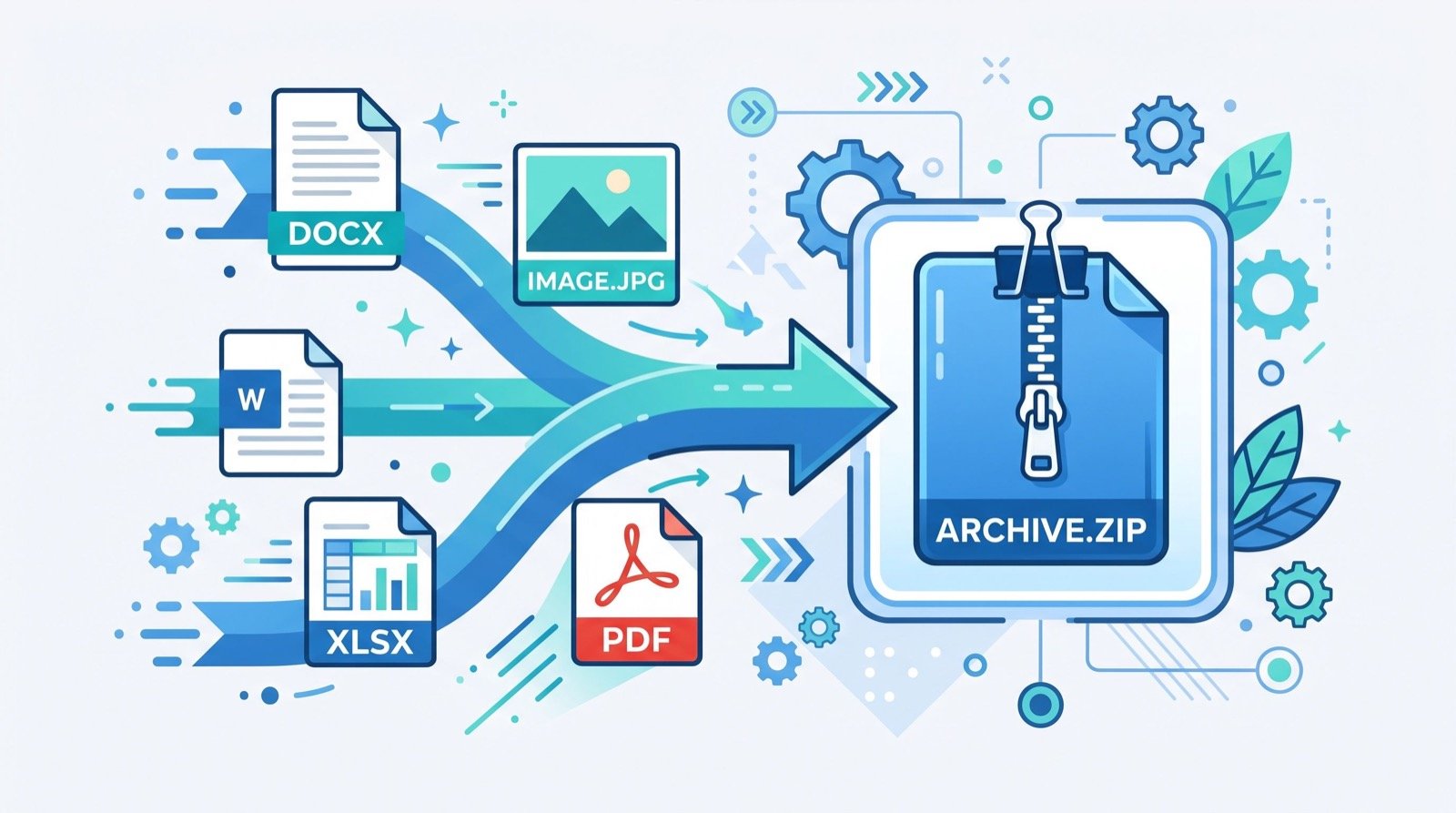
Many Saudi small businesses still send invoices from a spreadsheet or a paper pad. That worked for years, but today you need ZATCA invoicing software in Saudi Arabia that can generate compliant invoices and talk to the authority’s systems. This guide shows how to move from Excel or paper to a cloud system without disrupting your sales.
It is written for owners and finance staff of small and medium companies. No technical background is needed.
Why spreadsheets and paper stop working
A spreadsheet is flexible, and that is exactly the problem. Anyone can change a number, delete a row or overwrite a formula. E-invoicing rules need the opposite: fixed sequences, locked records and a clear audit trail.
Here is what usually goes wrong with manual billing:
- Invoice numbers skip or repeat after a copy and paste.
- VAT is calculated at the wrong rate on mixed baskets.
- Customer details differ between quotations and invoices.
- Nobody can find an old invoice during a VAT review.
- Reports take days because data lives in many files.
VAT in Saudi Arabia is 15%. A small rounding or category error repeated across hundreds of invoices becomes a real reconciliation problem at month end.
What the rules require, briefly
Phase 1 of ZATCA e-invoicing, called Generation, began on 4 December 2021. Invoices must be created electronically, cannot be edited after issue and must carry required data fields. Phase 2, called Integration, links your system with the Fatoora platform. It has rolled out in waves since 1 January 2023, by revenue threshold.
Standard tax invoices (B2B) are cleared by ZATCA. Simplified tax invoices (B2C) are reported within 24 hours and carry a QR code. Invoices use XML (UBL 2.1) or PDF/A-3 with embedded XML and a cryptographic stamp. For authoritative detail and current wave announcements, visit the official ZATCA e-invoicing page.
What should good invoicing software do?
Do not buy on price or on a nice dashboard alone. Use the criteria below to compare options.
| Criterion | Why it matters | What to ask |
|---|---|---|
| Compliant output | Invoices must follow the published format | Show XML or PDF/A-3 generation live |
| Fatoora integration | Required for Phase 2 waves | How are clearance and reporting results stored? |
| Arabic and English | Customers and staff use both | Can one invoice show both languages? |
| Credit and debit notes | Mistakes happen, edits are not allowed | How are notes linked to the original? |
| Customer records | Clean data prevents rejections | Are customers shared with quotations? |
| Exports and reports | Needed for accountants and reviews | Can I export by period and VAT category? |
Avoid any vendor who promises compliance without showing how. Your company stays responsible for every invoice it issues.
How do I move from Excel to a cloud system?
This is the question most owners ask first, and the answer is a short, staged plan rather than a big-bang switch.
Week 1: Clean and list
Export your customer list, product list and price list. Remove duplicates. Add the VAT number and national address for each business customer. Decide your invoice numbering rule.
Week 2: Configure
Set up your company profile, tax settings, products and users. Give each person a role: sales can create quotations, accounting can issue invoices, the owner can see reports.
Week 3: Pilot
Run a small set of real sales through the new system while keeping the old method as a backup. Compare totals at the end of each day. Fix gaps in product setup or tax categories.
Week 4: Switch
Stop issuing invoices from Excel. Keep the old files as read-only archives. Train the team on credit notes and daily checks.
Why one platform beats several tools
Invoicing is only one part of the customer journey. A lead becomes a quotation, a quotation becomes an invoice, and a delivered job may become a support ticket or a complaint. When each step uses a different tool, staff copy data by hand.
An all-in-one CRM and invoicing platform in Saudi Arabia keeps customers, quotations, VAT invoices, support tickets, complaints and maintenance requests in one place. The sales team sees what the accountant sees, and the support team sees what was sold.
A practical example: a maintenance company quotes a monthly service contract, issues a VAT invoice each month and logs every visit request as a ticket. When a client disputes a charge, the manager opens one record and sees the quote, invoice and visit history together.
Common pitfalls during the switch
- Importing messy data and expecting the software to fix it.
- Skipping staff training because the screen looks simple.
- Running two systems for months without a closing date for the old one.
- Ignoring offline situations at branches with weak internet.
- Giving every employee admin rights.
An original tip from practice: choose one low-risk day, such as a quiet weekday, for your first live invoice. Have the accountant and the owner both review it line by line before you scale.
Support and implementation partners
Software is only as good as its setup. For network cabling, point-of-sale hardware or office systems around the project, bring in dependable specialists who have handled similar rollouts and will answer the phone after go-live.
How to measure whether the switch worked
Do not rely on a feeling that things are smoother. Track a few simple numbers for the first three months.
- Time to issue an invoice, from order to sent.
- Number of invoices that needed correction through a credit note.
- Days needed to close the month and reconcile VAT.
- Number of customer queries about invoice amounts.
If these numbers fall, your process is working. If they stay flat, review training and data quality before blaming the software.
Frequently Asked Questions
Do I need ZATCA invoicing software if I only sell to consumers?
Yes. Consumer sales use simplified tax invoices, which need a QR code and must be reported to ZATCA within 24 hours once your wave applies. Phase 1 rules apply from the start.
Can I keep my old invoices in Excel?
Keep them as archives for reference. Issue all new invoices from the compliant system so numbering and records remain consistent.
How long does the switch take?
A small business can often finish setup and a pilot in about four weeks, depending on data quality and the number of users.
Is cloud software safe for financial data?
Ask each vendor about access control, backups and data location. Use strong passwords, limit admin roles and review user activity regularly.
Conclusion
Moving off Excel is easier when you treat it as a four-week project with clear owners. Choose ZATCA invoicing software in Saudi Arabia that fits your size, test it with real sales and keep your customer, quotation and invoice data together. To see how this works on your own cases, book a demo or ask for a quote from Daftarix.